

125



Modern data architectures demand more than pipelines. They need a platform that can connect to anything, process everything, and share everywhere—without the overhead of manual tuning or endless integration work. That’s exactly what Oracle Autonomous Database (ADB) delivers.
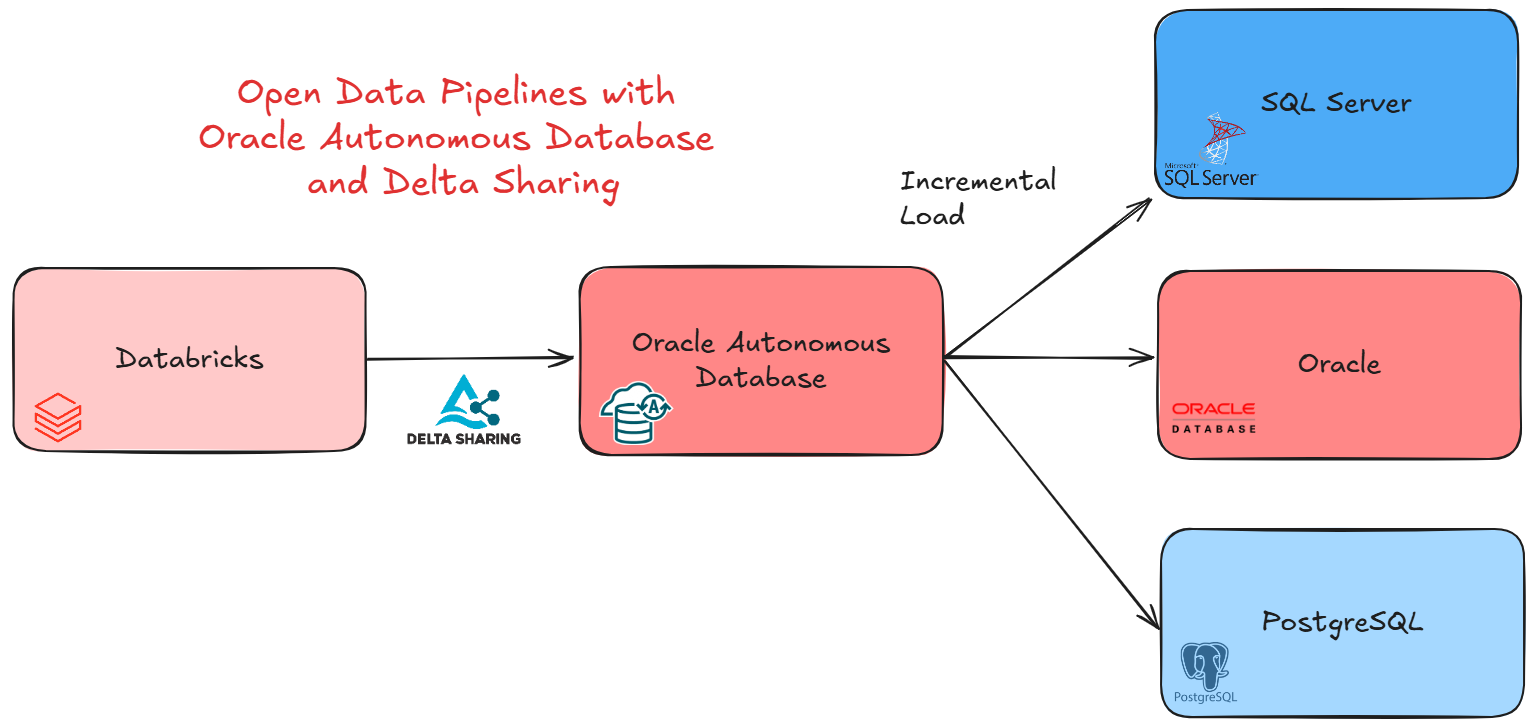
ADB is not just a database—it’s a self-driving data platform that brings together ingestion, transformation, analytics, AI, and sharing in one place. Whether you’re consuming data from Databricks via Delta Sharing, transforming it natively, or distributing it to systems like PostgreSQL, SQL Server, or Oracle Database, ADB stands at the center as the intelligent data platform.
In the era of Data Products, Oracle Autonomous Database takes a unique role: it can consume Data Products from any source—like Databricks through Delta Sharing—and at the same time publish its own Data Products back to the ecosystem. This dual capability makes ADB not just a participant, but a marketplace of Data Products, where data flows in and out with governance, performance, and openness built in.
In this blog, I’ll walk you through a practical demo: how ADB can seamlessly ingest from Databricks, and share data openly with other databases.
The first goal is to consume the Delta Sharing from Databricks. There are different approaches to this, but the I will chose to create an external tables which points to it. Is not cool? We can get all the flexibility of a table but with all the power of Delta Sharing! And creating it is very easy!
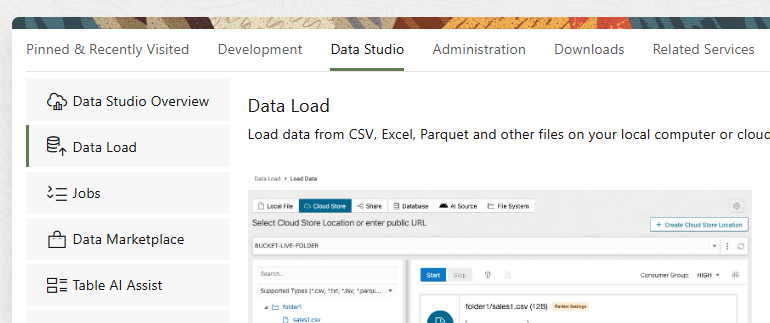
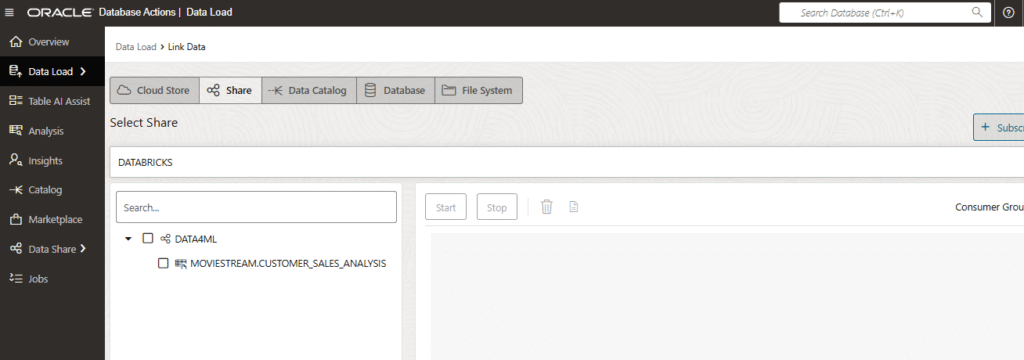
In Data Studio from Oracle Autonomous Database, we have to go to Data Load.
Here we can see different options:
We are going to chose Link Data.
There are different ways of creating external tables, and one of them is via Share (or Delta Sharing). Let’s click on Subscribe to a Share Provider.
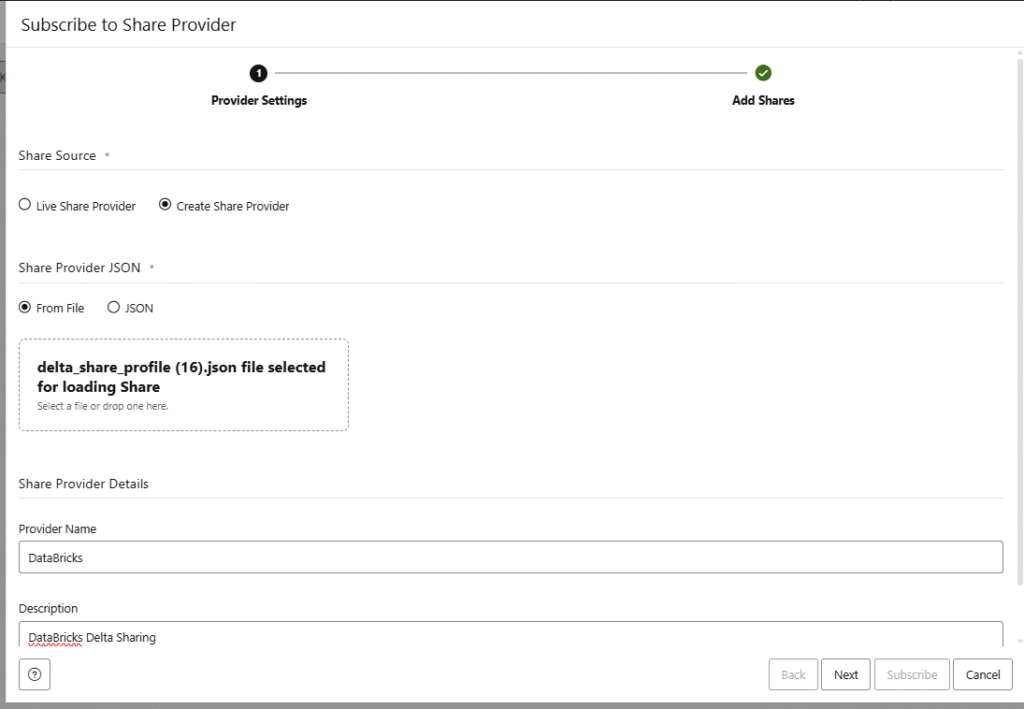
Here you have to upload your Delta Sharing profile. If you want to know how to get one from Databricks, you can follow this other blog here.
Also we have to define a Name and Description about the share we want to consume.
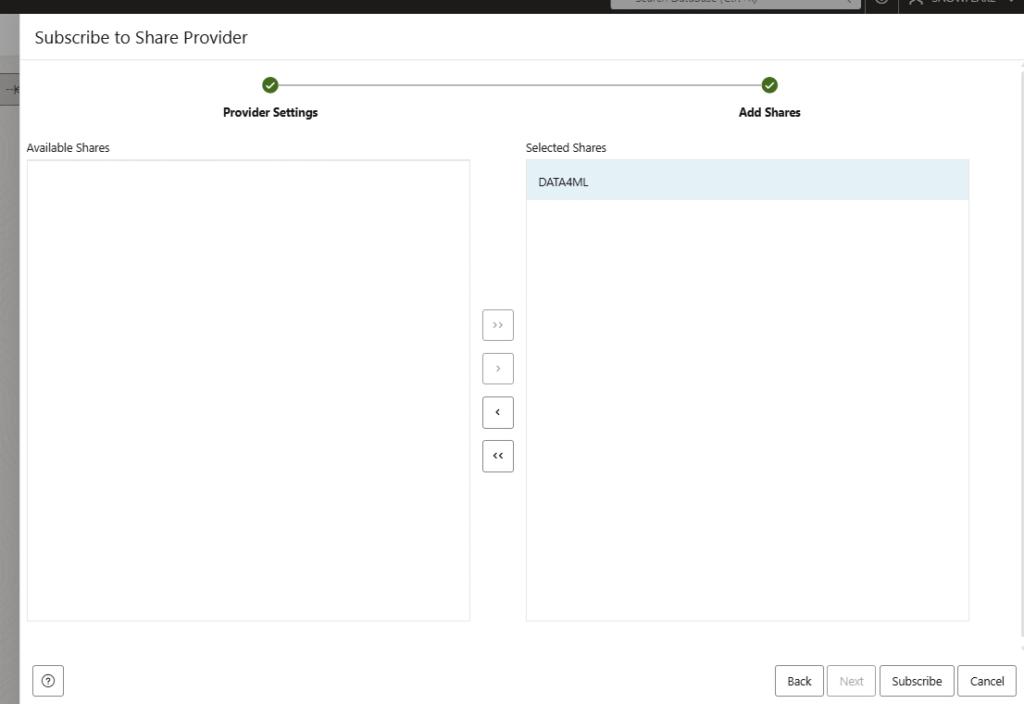
Once you click Subscribe, a new window will popup in order to select the shares available, as there can be multiple. In this demo we have only one share with one table. Click on Subscribe again.
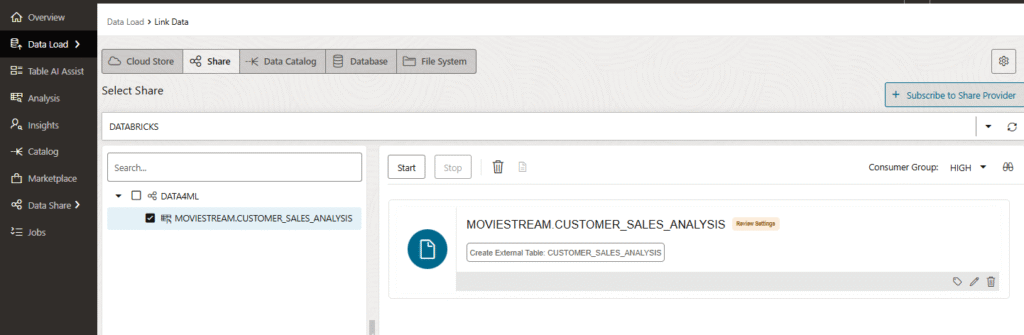
Now we are able to see the Databricks share listed, and the tables available in the share. Now we have to drag and drop the table into the canvas in the right.
After the drag and drop, you can click on the pencil to edit the metadata in case you want to do a change, but if you don’t want do do any modification you can click on Start to create the external table.
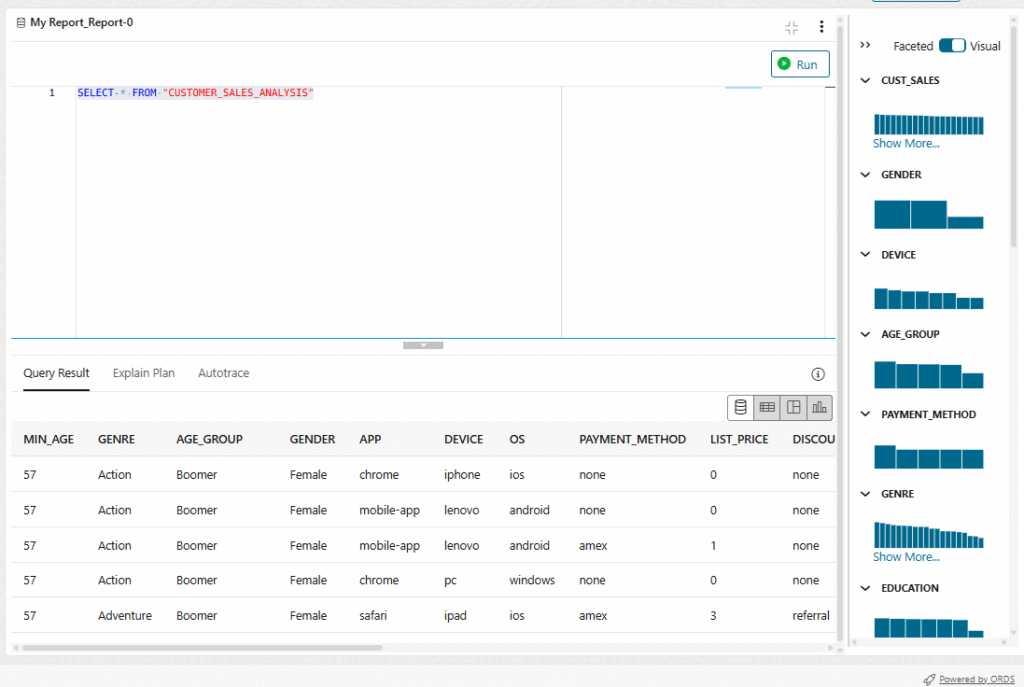
This will take a few seconds. From here you can click Query to check that we can run some queries.
Here you can see I’m able to run queries over a table using Delta Sharing. Is not cool?
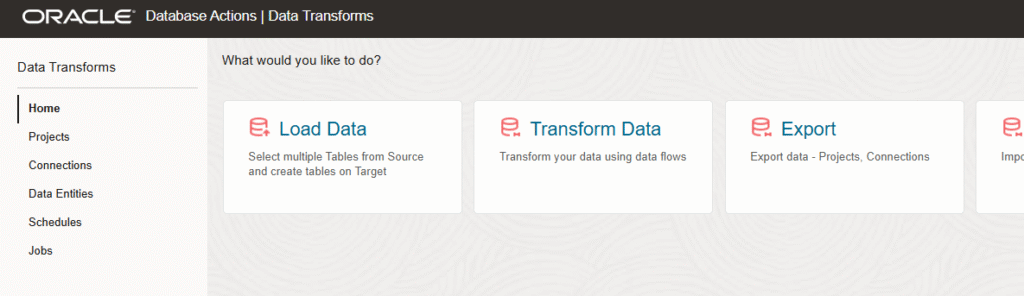
Now is the moment of building Pipelines. For that we have Oracle Autonomous Data Transforms, is an option you can find in the same Database Actions menu from Autonomous Database.
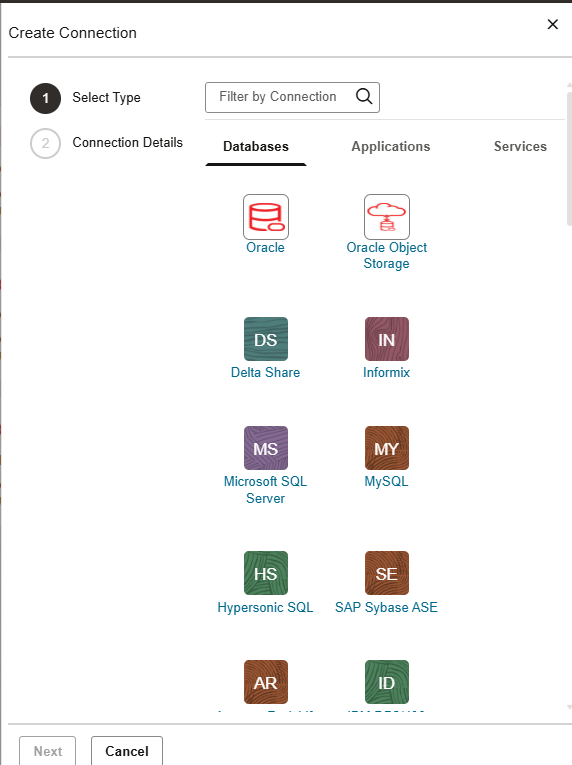
If we go to connections you will see a lot of connectors to different data sources. You can create pipelines from/to anywhere!
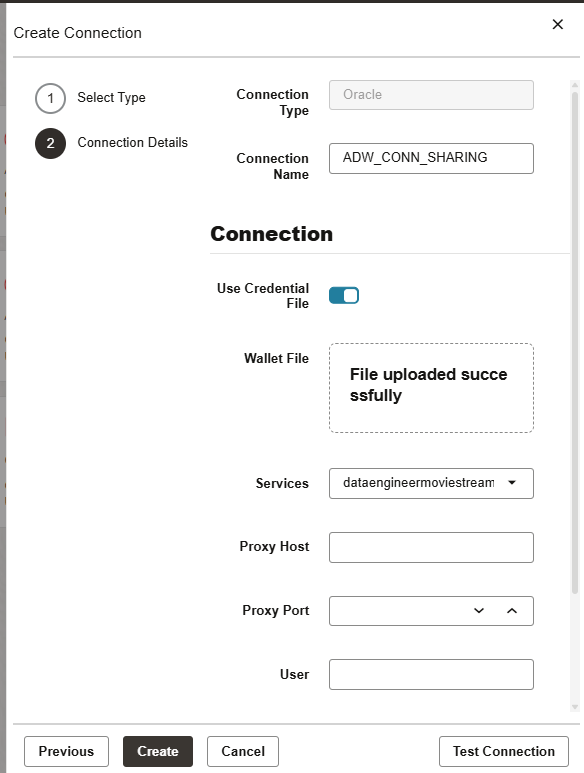
The source we are going to work with, is the same Oracle Autonomous Database as we have the Delta Sharing as an external table. We are going to click on Oracle connection and fill the fields required.
As I mentioned before, there are a lot of connectors. You can create pipelines to your on-premise, 3rd party database or anywhere you want! In this case we are going to ingest to another Oracle Database that is not in the cloud.
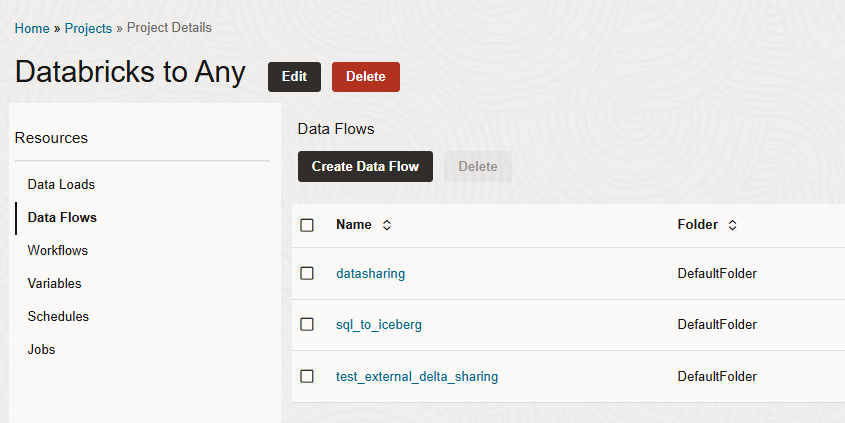
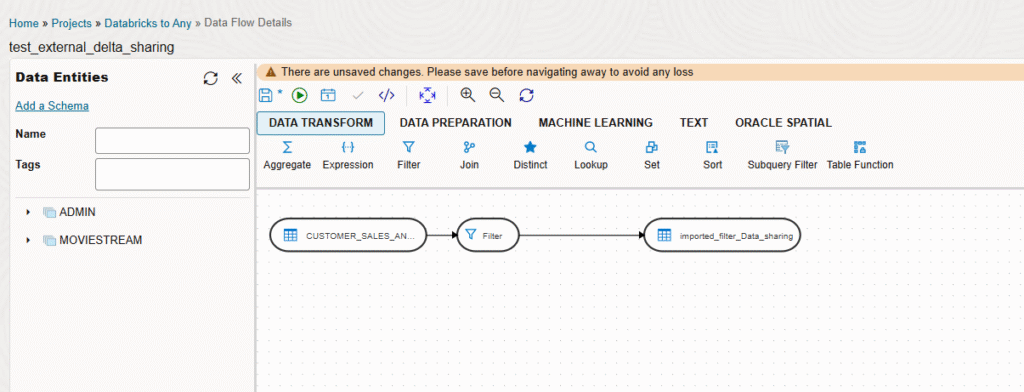
Once I have the source and target connections we can create a Data Flow with the pipeline we want.
In this case, you can see in the left two data entities, the one with the external table over Delta Sharing and the other one to an on-premise Oracle Database. Here you can drag and drop the tables and the data transformations you want. In this case I’m loading into the on-premise Oracle Database with a filter, and load just the data I’m interested and having the possibility to have an incremental load based in new data.
In this blog I have shown how easy is to generate Data Pipelines to different platforms and use open source protocols like Delta Sharing. Let me know in the comments what do you think!