

86


Working with data from REST APIs doesn’t have to be a hassle—especially if you’re using Oracle Autonomous Data Transforms. Whether you’re pulling data from a public API or integrating with a third-party service, Oracle makes it surprisingly easy to bring that information right into your database. In this post, I’ll show you how to consume REST data step-by-step using Data Transforms, with no complex scripting or manual ETL needed. Let’s make your data flow like magic!
In this case I want to use an open URL which is the following: https://restcountries.com/v3.1/name/canada Let’s consume this rest endpoint using Data Transforms with Autonomous.
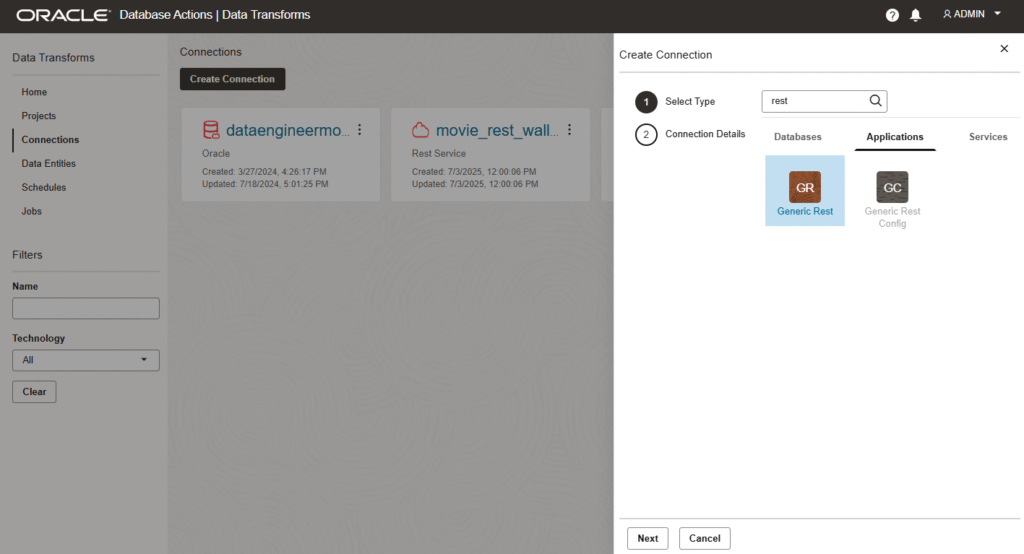
Once you are inside Data Transforms, go to connection and search rest. Select Generic Rest.
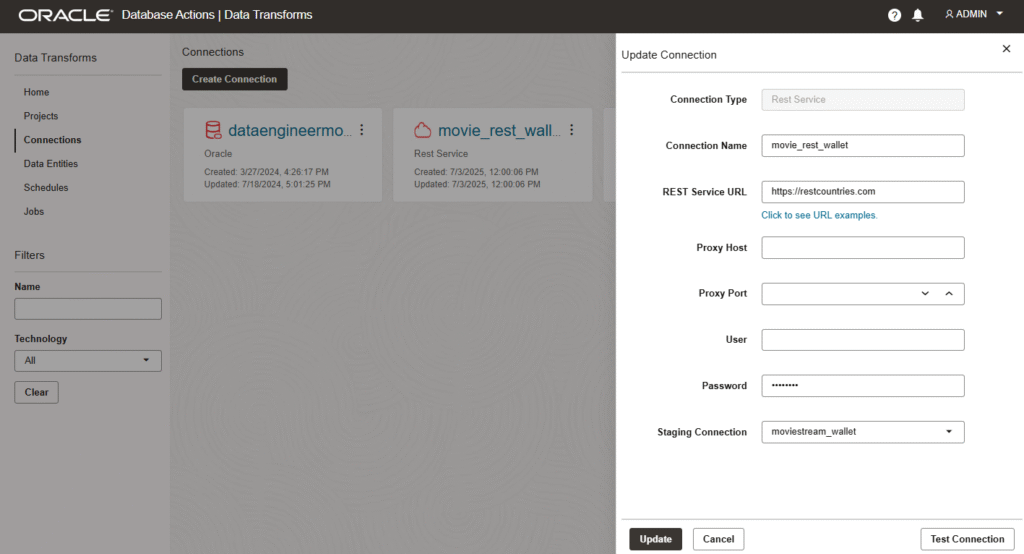
Here we need to provide the base URL of our open url. Even if you see something for password, is automatically generated. It is not required to fill it. Also we need a staging connection. Here I’m using an existing Autonomous connection that I created in advanced. This will be used for staging the data.
Let’s click on Test Connection before we save it to verify we can reach the URL.
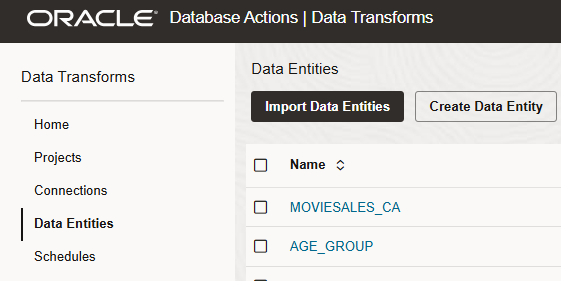
Now we have to go to Data Entities to read the metadata of the JSON output of the public endpoint. Once there, click on Import Data Entities.
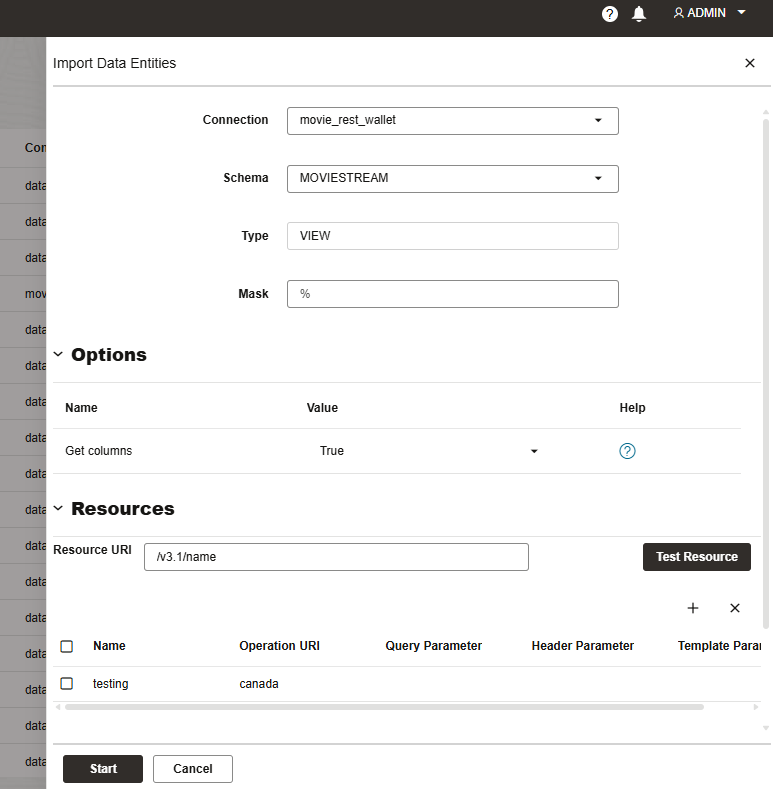
Select the connection we had created before. At resources, select all the URL except Canada for Resource URI and set cadanda for the Operation URI. The name can be anything. In this case I called testing.
Once you click start, you will be able to find it with the name TESTING (to follow the blog flow). If you go inside, you will be able to find the fields from the JSON.
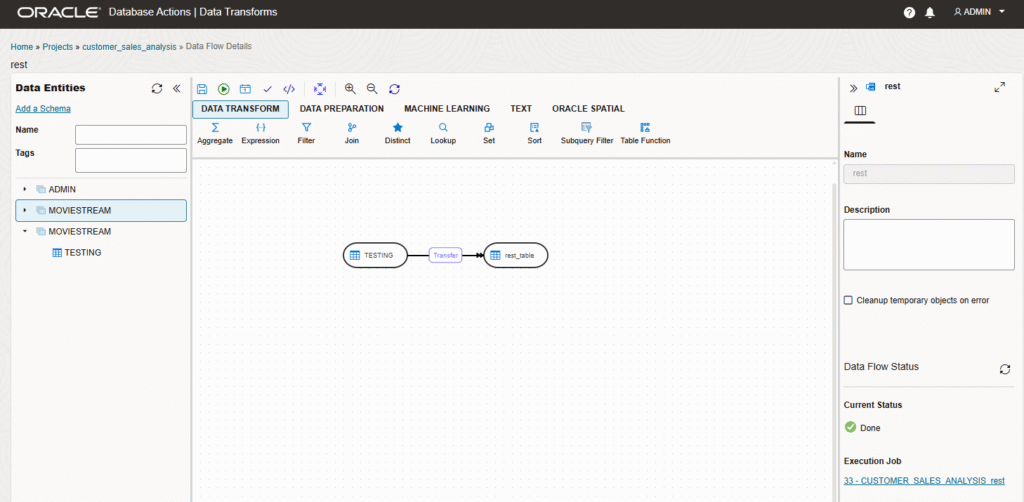
Now you can use the connection to load data. We have created a new Data Flow selecting the Testing and loading it into the table.
That’s is! In a few steps we had configured and consumed a REST endpoint! Let me know in the comments which other integrations are you doing!