

6



Even though Oracle Data Transforms gives you a perfectly good graphical interface to design pipelines, I’ve always felt more comfortable having things in code. For me, versioning, reviewing changes, and maintaining data flows over time is simply easier when everything lives in Python instead of clicks. So instead of building this pipeline through the UI, I decided to generate it programmatically.
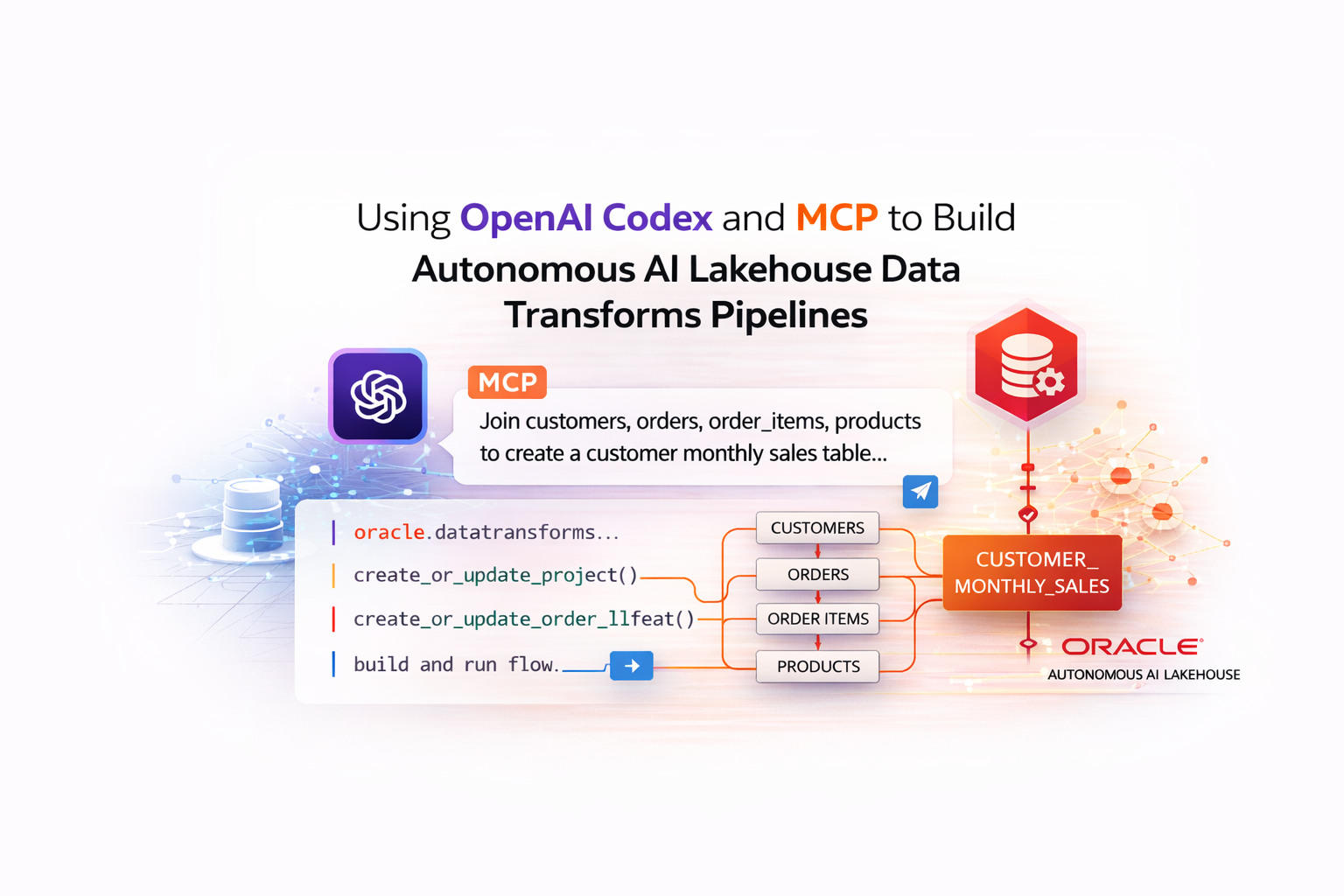
To make it even more interesting, I didn’t write the whole thing myself. I used OpenAI Codex connected through MCP to my Autonomous AI Lakehouse and described the outcome I wanted. The result was a maintainable, code-first Data Transforms pipeline created from a prompt instead of starting from scratch.
In this blog I’m going to explain everything I did to had configured Codex with Oracle sqlcl mcp and Data Transforms.
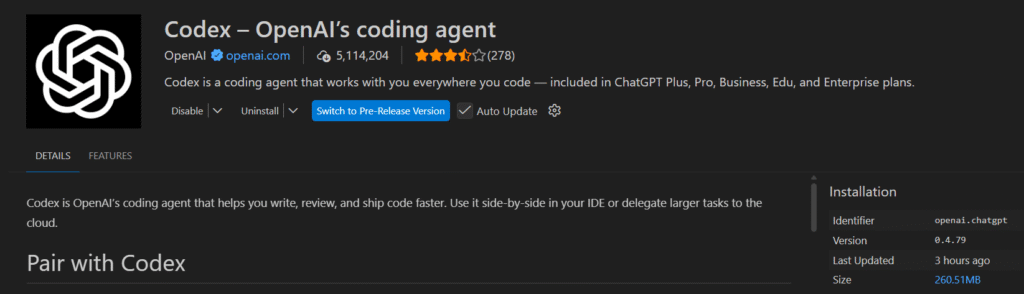
As I’m using Windows, I’m going to use Codex via Visual Studio Code extension. The first step is to install it.
Personally I use the Plus version of Open AI, which give me access to Codex with better rates. So I used my personal account during the configuration.
Now that we have Codex, we are going to configure the Oracle SQLCL MCP. I downloaded it and I unzipped at the Desktop.
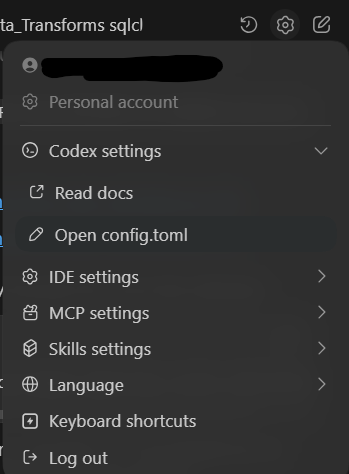
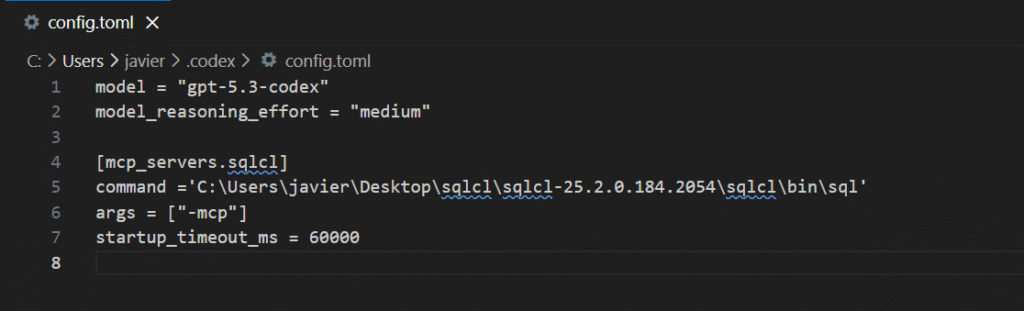
Then, in Codex config, I opened the config.toml and I pointed to the SQLCL directory.
Here you have an screenshot of the configuration that I personally used. It is very straight forward.
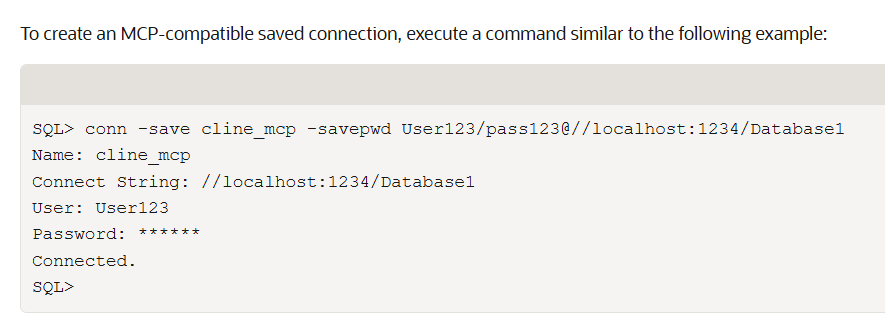
Now we need to define the connection from sqlcl mcp. I had run the sql.bin in the desktop and I had set the connection string to my Oracle Autonomous AI Lakehouse. Here you can see an example from the documentation.
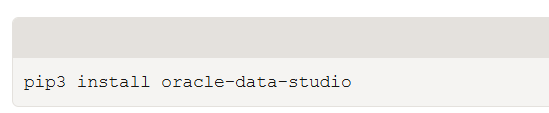
Using Visual Studio terminal, I had installed the oracle-data-studio as requirement. You can find the documentation here.
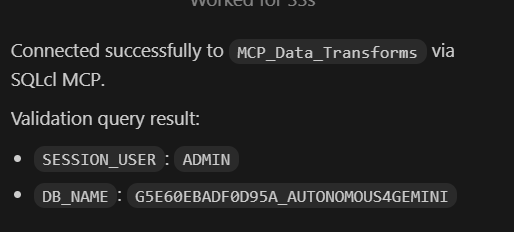
In the step before, I had saved my connection as mcp_data_transforms. Now using Codex I can ask to connect using this connection.
I can see that Codex can connect without any problem. The Autonomous Database is called Autonomous4Gemini as I tried the MCP server from Gemini CLI. You can find the entry in my blog. As you can see I can connect different AIs to the Autonomous AI Lakehouse!
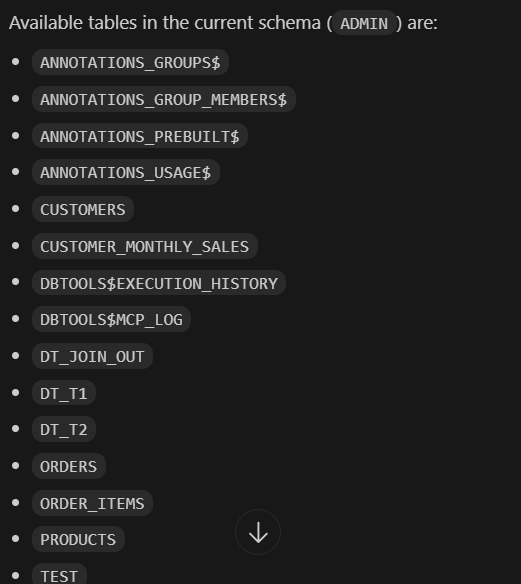
A simple query like list me the tables works great!
In this moment we have Visual Studio with Codex, the mcp configured and connected to the Autonomous AI Lakehouse. Now let’s proceed to create the Python code for a pipeline.
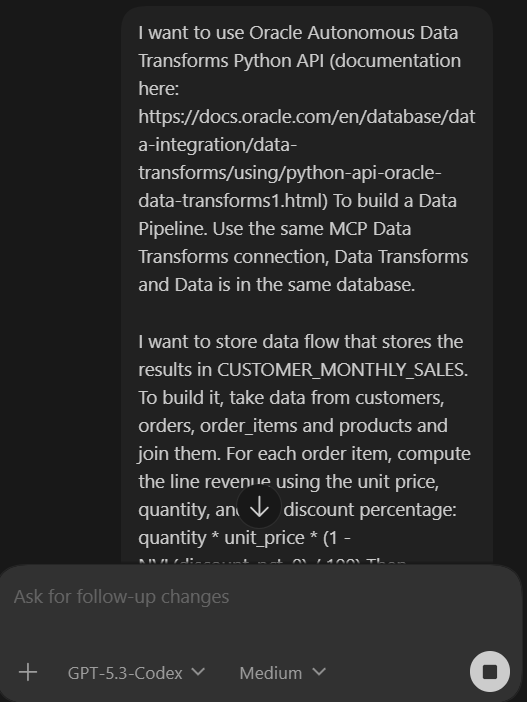
In this demo I have the tables already populated, so Codex can read the tables and generate the Python code. The only thing I’m providing is the data flow I want to generate, the link to the official documentation (just to be sure) and the aggregations I want to run.
Here is the full prompt I run:
I want to use Oracle Autonomous Data Transforms Python API (documentation here: https://docs.oracle.com/en/database/data-integration/data-transforms/using/python-api-oracle-data-transforms1.html) To build a Data Pipeline. Use the same MCP Data Transforms connection, Data Transforms and Data is in the same database.


I want to store data flow that stores the results in CUSTOMER_MONTHLY_SALES. To build it, take data from customers, orders, order_items and products and join them. For each order item, compute the line revenue using the unit price, quantity, and the discount percentage: quantity * unit_price * (1 - NVL(discount_pct, 0) / 100) Then aggregate per customer and month (group by customer_id, customer_name, country, order_month)
In the first iteration, It didn’t created the deployment.conf which contains the parameters to connect to my Oracle Autonomous Data Transforms. Also I told Codex to ask for any parameter it needed to generate the full code.
In the first run I got an error, the aggregate was not complete. I passed the error to Codex and also I incremented the reasoning to high in Codex to see if I could avoid future errors.
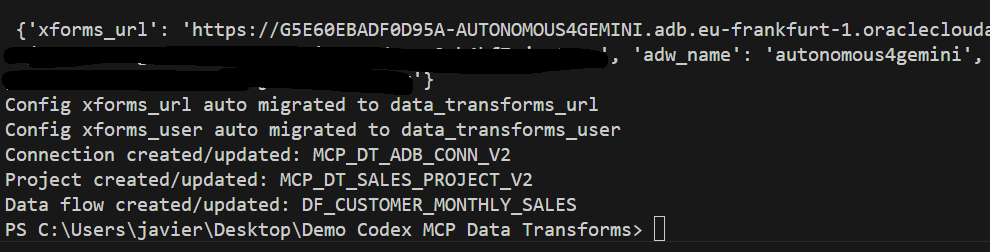
When I run it again, I had no errors executing the python code.
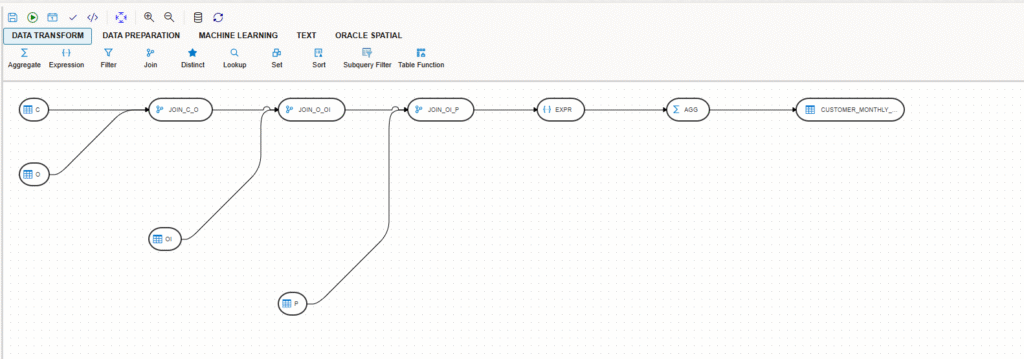
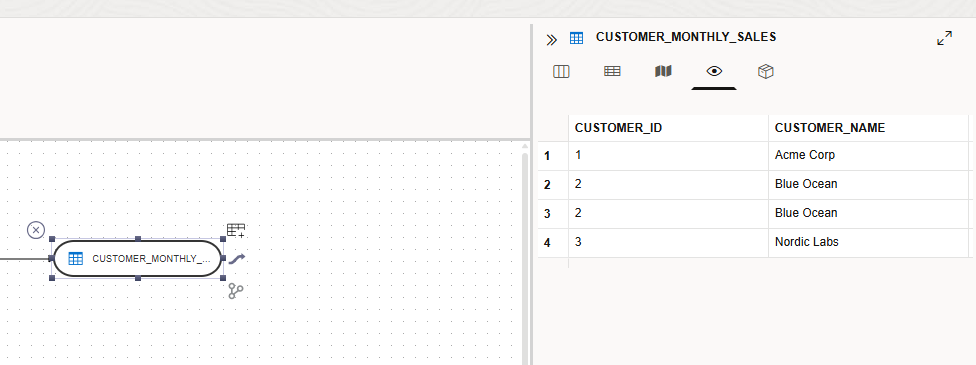
I went directly into Autonomous AI Lakehouse Data Transforms and I saw the pipeline! Now was the moment to validate the work.
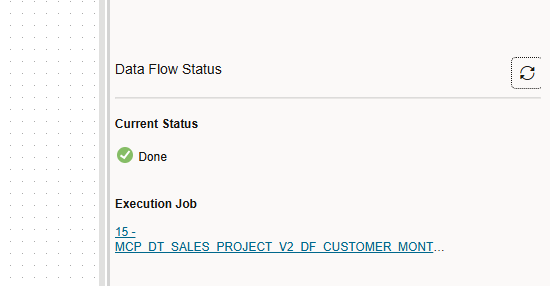
I run the “validate” and I saw everything was fine, so I decided to run it directly.
The job run without any issue and I could see the result stored in the table I wanted.
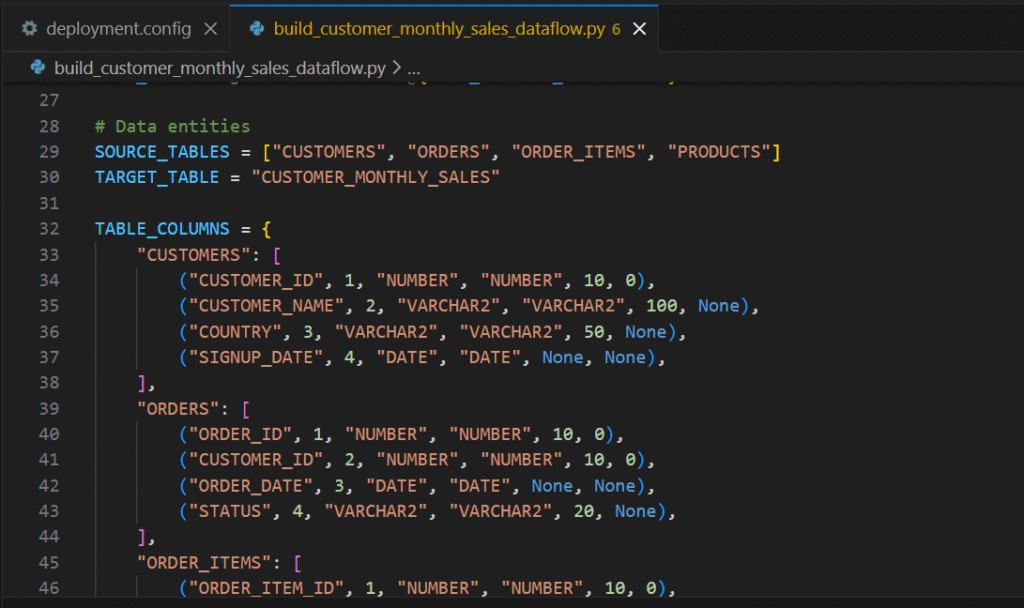
The code it generated was very clean, easy to follow and maintain!
In this blog I wanted to show how easy is to create Data Pipelines using AI and how open is the Autonomous AI Lakehouse. If you are the one who loves to see and maintain the code this blog is for you! This demo takes just a few minutes to run!
IMPORTANT: Remember always to validate the code the AI is generating before you put it in production. I haven’t seen an official documentation stating that Oracle supports the MCP with Codex, but the integration using the MCP standard is very easy to use!